

AI development workflow and environment

Last time I wrote about starting a project and everything you settle before an agent writes a single line of code. The spec, the decisions and the conventions, the kickoff prompt in phases. Now I want to talk about the development setup and workflow.
This is about what comes after. Not the start of a project, but the development workflow itself, where you open new sessions every day. What matters there is not your prompt. It is how you set up your environment, what always applies, what sometimes applies, and what has to be enforced.
I tried a lot before I settled on a development workflow, and that is really the point. Nobody can tell you what your workflow should look like, you find that out by working. What I can do is show you mine, so you have somewhere to start.
If you missed the previous post, I do recommend you read that one first.


My current setup
Over the past few weeks I have tried a few different setups to gain some experience and find out what I actually prefer.
When I started with vibe coding, I think somewhere last year, I used Cursor a lot. But it missed one thing for me, all the context I had in my Claude conversations. So I moved to Claude Code fairly quickly and started with Neovim, a terminal based editor, next to it. It worked well once I got the hang of the keybindings, but I figured out I am really more of a mouse type of person. I want to click.
So I threw the editor out and started using Visual Studio Code next to Claude Code. That was my setup for a long time.
But in a field that moves this fast it only seemed fair to stay open to new things. So I experimented with Opencode and Codex, local LLMs as well, also in combination with Zed. All of it worked. But my default setup kept working best for me, so I moved back.
I am not a software engineer and I do not need to be. I need things to work. So I prefer the choice that is easy and fast to set up.
Now I run Ghostty as my terminal, Claude Code for the agent work, VS Code for editing and Fork for a visual overview of git. And I use Herdr, which I love. It keeps my agents running when I close the laptop and gives me every session in one overview instead of a pile of terminal tabs.

How I like to work, control first
The configuration only makes sense once you know how I like to work.
I don’t like long sessions. I would rather cut the work into phases and stay in the loop than hand over something big and read a wall of diffs an hour later. I also stopped obsessing over the wording of my prompts a while ago. What I hand over now is a plan plus the full context, including the decisions I already made and why I made them. The prompt itself is almost an afterthought.
I am very explicit about what I want. If I am not sure yet, that is a sign I need to think, not a sign to let the agent think for me. Telling an agent to figure it out usually means you end up reviewing someone else’s guess.
Two commands I use a lot. /goal, to define what done looks like before anything starts, and /rewind, which I use the moment something feels off. Not when it breaks. When it feels off. I reach for it far more often than I expected to when I started.
Frontend and backend get different treatment. On the backend I give the agent room, because the tests will tell me whether it was right. On the frontend I stay much closer, since “it runs” and “it is good” are very different statements there.
And you are still allowed to write code yourself. I do, regularly. I stopped handing over everything, and it was never because the agent couldn’t handle it. I want to know what is going on inside my own product.

What always applies, CLAUDE.md
This file holds the things that are true in every session. Conventions, project structure, the commands to run the thing, as you probably know.
I used to stress over mine. Was everything in there, did I miss anything? I wrote entire sets of documentation hoping they would capture the whole picture. But the more you put in, the more fragile it gets, because everything in that file has to compete with everything else in it. So I learned to keep it as lean as I can.
Lean, but specific. I avoid “use best practices” and everything shaped like it. Which practices, whose, applied to what? If you cannot justify a line, delete it.
These files live at several levels, user, project and local. As a solo founder I found the user and project split harder than it sounds, because I am the only user and also the entire team. It is still worth getting right, for your own sake and for whoever ends up helping you out.
My user file holds the things that are true no matter what I am working on. The project structure I want every repo to follow, because managing one product across multiple repos gave me more trouble than anything else, my commit and branch conventions, the language rules, how I want work handed to me, and where my context lives. That kind of thing.
What I settled on is simple. Anything that would still be true if someone else cloned the repo goes in the project file. Anything that is just how I personally like to work goes in the user file.
So it is always worth asking which file a rule belongs in. And some rules do not belong there at all. Nothing gets pushed without my permission and nothing gets merged straight into main. Those are not conventions, they are limits, and limits belong in hooks.
You can find how I structure a multi-repo project on grimoire.esmeepeters.com.

The layers around it
Once CLAUDE.md is lean, the rest of your setup has to do the work. Four more layers, each with its own job.
What sometimes applies, skills
Skills hold procedures tied to a specific kind of task. Not “always do this”, but “when you do this, here is how it goes”.
My rule is simple. If I have typed the same thing three times, it becomes a skill. Not just because I stop forgetting steps that way, but because it is so much faster. The explaining is the slow part, not the work.
The one I use most is a skill that builds specs. It writes out what I want properly, and it checks whether what I said actually holds up. That last part matters more than I expected. The translation from what is in your head to what ends up in a prompt is where most of it goes wrong, and having something push back on that before any code gets written saves entire sessions.
My browser testing routine is the other clear example. It is long, it is exact, and it is irrelevant in nine sessions out of ten. Sitting in CLAUDE.md it was dead weight competing with everything else. As a skill it turns up when it is needed and stays quiet the rest of the time.
What has to be enforced, hooks
This distinction took me the longest. CLAUDE.md asks, hooks enforce.
Anything you write in a markdown file is context, and context gets interpreted, weighed against other context, and eventually pushed out as a session grows. That is fine for conventions. It is not fine for the short list of things that must never happen, whatever else is going on in the session.
I used to cram all of that into CLAUDE.md, all my permission and safety rules, and hope it would hold. Hooks gave me a layer that does not depend on hoping. A hook stops the agent from pushing straight to main, full stop, no matter what else is going on in that session.
So if you catch yourself writing “never” in CLAUDE.md, check whether you mean it. If you do, what you want is a hook.
What you keep out of your own context, subagents
Subagents exist so that work with a lot of noise stays out of your main session. Searching a large codebase, reading long output, exploring something you only need one answer from.
So far I mostly use what Claude ships with out of the box, and this is the layer I want to build out most. The one I did write myself is a code reviewer. It goes through the diff, checks it against my conventions and comes back with what is wrong. All the reading it does to get there never touches my session, I just get the verdict.
That is where I draw the line. If I only need the conclusion, a subagent is right. If I need to see how it got there, because I am going to build on it, it stays with me where I can watch it happen.
What the agent can reach, MCP
I am not much of an MCP fan, and that is mostly because I have never wanted as many tools in my chain as possible. It eats tokens. A workflow with a few deliberately chosen tools beats an endless pile of connections.
I do connect Notion and Obsidian, and I use them for one thing, context. Notion holds everything around my projects, so the agent can look up what I decided instead of asking me again. I am not planning to extend it.

Trust but verify
Like I said at the start, control first. I like being in control and that is where I am right now. I do think AI can code very well, better than I would myself anyway, and if you follow the steps from the previous post on how to hand over a piece of work, you can trust it to do that job.
But none of that tells you whether the code is any good. That is what verification is for, and I run mine as skills so it happens the same way every time. Unit tests, end to end tests, browser tests.
I am not doing that because I distrust the agent. I cannot review everything at the speed it produces things, so the check has to run automatically or it does not run at all.
Take it, then break it
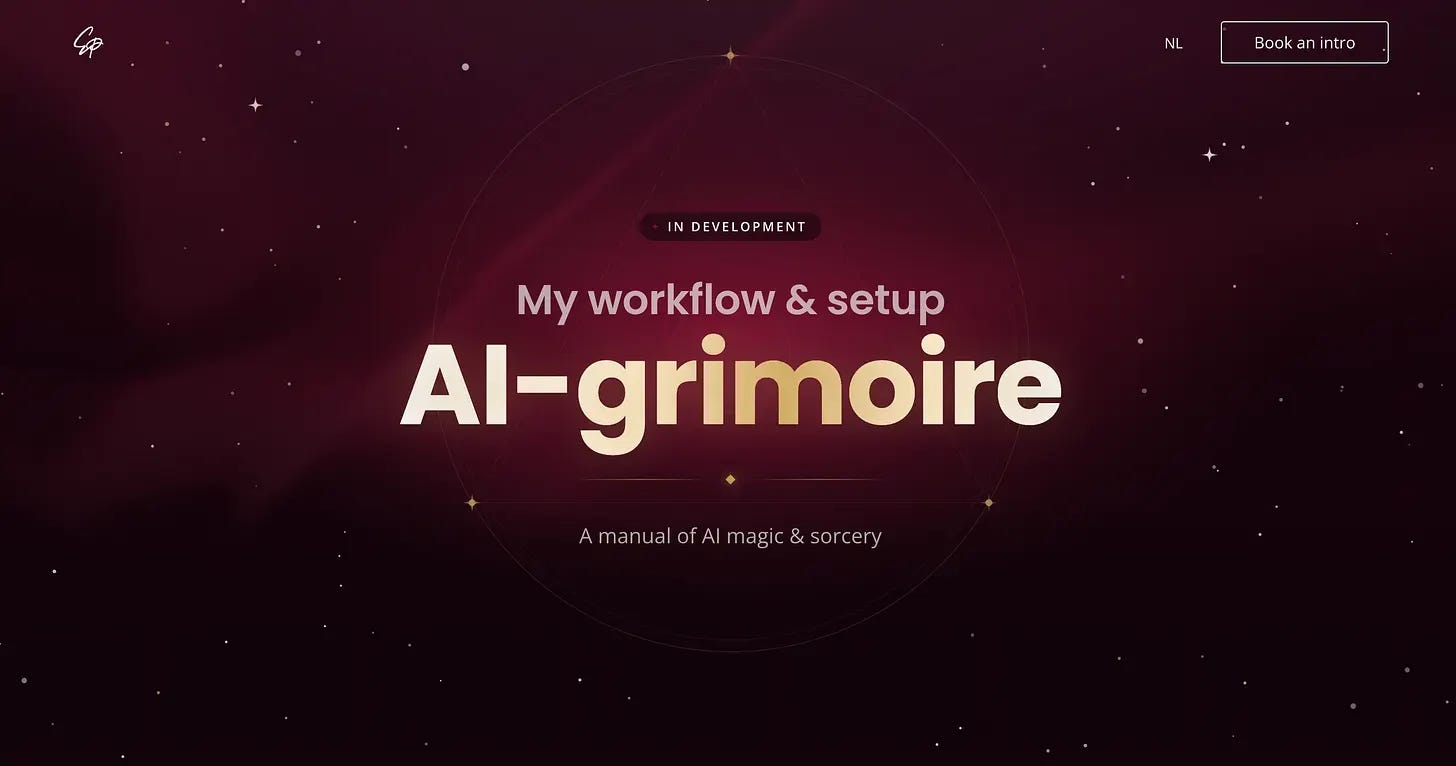
You made it all the way here, so I imagine you are curious about building a workflow that works for you. I have laid out the basics on grimoire.esmeepeters.com, my living documentation of how I work and how I set up my AI workflow.
A grimoire is originally a handbook for magic and sorcery, and with the right workflow the work really can feel like magic. You cast a spell and something appears that used to take hours. But of course there is no magic in it. These are just actions you can learn, repeat and pass on.
So that is where “the spells” live, together with the GitHub repos you can copy from.
What I cannot stress enough is that copying is only the start. Take my files, but do not leave them the way I wrote them. They fit my work, my projects and the mistakes I happened to make. Yours will be different ones.
You can copy every step of someone else’s workflow and it still will not stick until you have done it wrong at least once. That is how I learned it. Not from a tutorial, but from a project that fell apart and me figuring out where exactly it went wrong. Every hook I have exists because something got pushed that should not have been.
So if you want to get better at building with AI, stop watching tutorials and stop reading about it. Get out there, build something real, ask for real feedback, and try again.